Best Speech to Text Models in 2026: 10 Leading Models Compared
13 Call Center Templates to Run a Tighter Operation
September 28, 2026


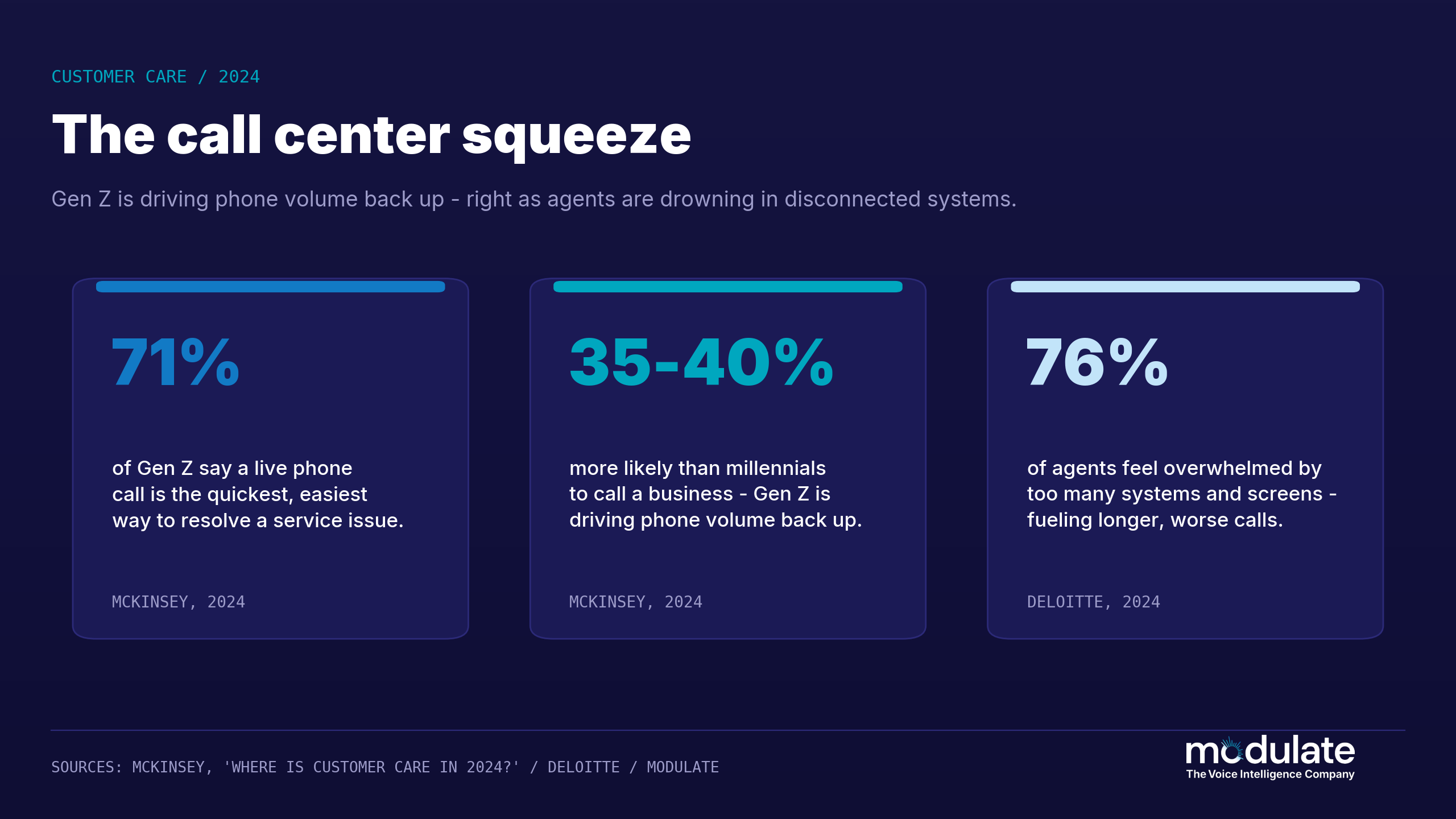
Running an inefficient contact center can get expensive fast. Phone calls remain the most utilized support channel by consumers. According to a 2024 McKinsey survey, live phone conversations remain one of consumers’ preferred channels to contact a company for support across all generations surveyed, including Gen Z. In fact, 71% of Gen Z consumers reported that phone calls are the quickest and most convenient way to resolve a customer service issue, and they’re 35-40% more likely to call a business compared to millennials.
High call volume equals pressure on your agents. Deloitte's 2024 Global Contact Center Survey, revealed 76% of agents reported feeling overwhelmed by too many systems and too much information to absorb, contributing to longer calls with worse outcomes.
 MODULATE
Which Call Center Template Do You Need?
Pick your goal and we will point you to the right templates from this guide. Every link goes to a free or freemium source.
Add real-time fraud protection to your live calls →About these recommendations
Recommendations map your selected goal to the 13 templates reviewed in this guide. Links point to the original template sources. Modulate does not own or host these templates.
Templates won’t fix every problem your team encounters, but they do remove one category of friction that slows teams down before the customer even calls. Having a standardized QA scorecard, clean call log, and a well-thought-out script are what separates the teams that fold when pressure is applied and the teams that thrive. Here are 13 templates that focus on the work that has the most impact on your numbers: quality scoring, call monitoring, agent evaluations, reporting and customer feedback.
1. Call Center QA Scorecard
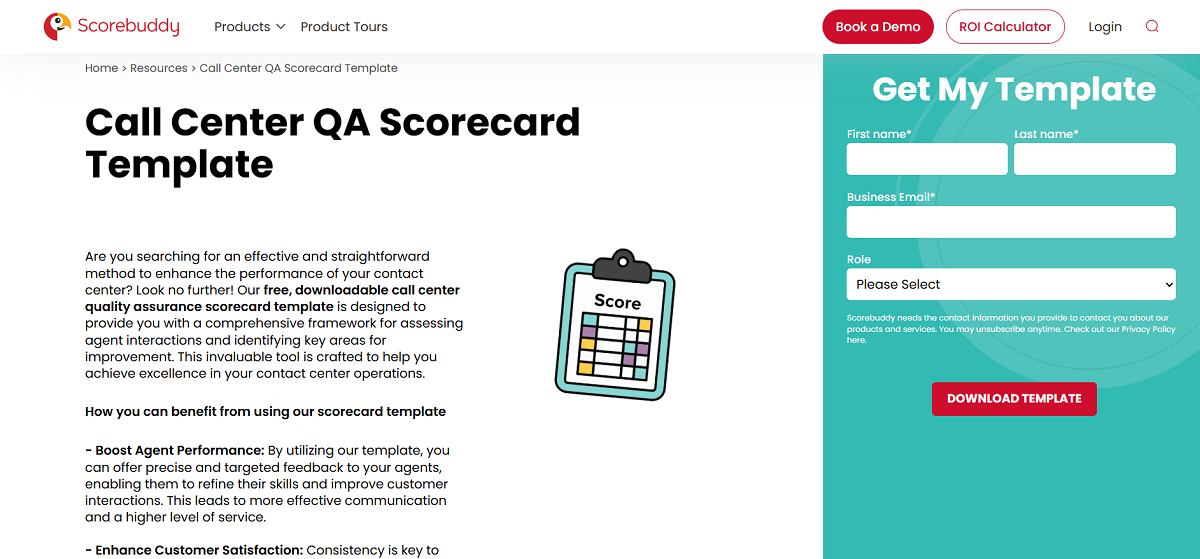
The ScoreBuddy QA scorecard template provides evaluators with a standardized rubric for scoring agent interactions on etiquette, accuracy, compliance and resolution. It's the foundation of any quality program, because it quantifies subjective impressions in a way that's comparable across agents and teams. If your QA processes are still ad hoc, start here.
Notable features:
- Weighted scoring categories that can be adjusted to your priorities
- Pass/fail criteria for compliance-critical items
- A defined total score that easily rolls up for agent comparison
- Free download with an editable template
2. Call Monitoring and Evaluation Form
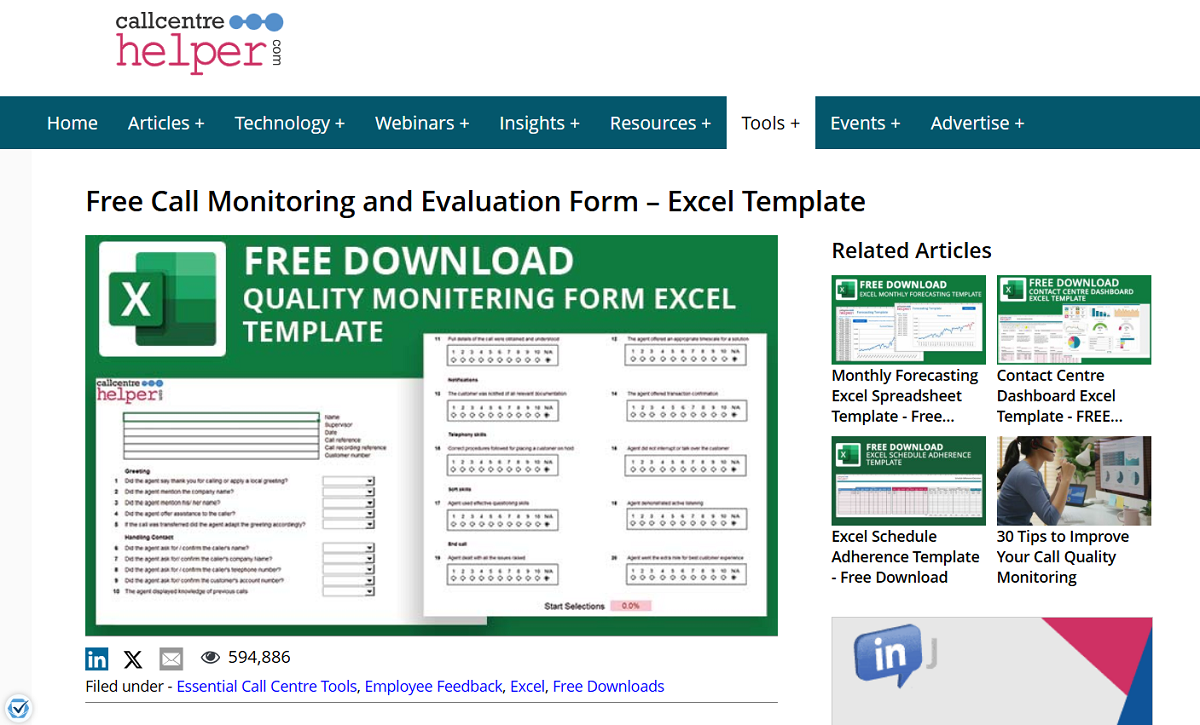
Call Centre Helper's free call monitoring form can be used to score recorded or live calls. This handy Excel audit sheet is a lightweight alternative to a full QA platform that will allow you to start sampling calls in a structured way almost instantly.
Notable features:
- Score calls section-by-section throughout the call
- Fields for coaching comments are built in
- Excel format that’s easy for any supervisor to modify
- Suitable for reviewing both live and recorded calls
3. Agent Performance Scorecard
Unlike traditional scoring systems, AVOXI’s agent performance scorecards measure each agent’s performance over time instead of focusing on a single call. These scorecards take the metrics you actually coach your agents on, such as adherence, resolution and customer satisfaction, and compile them into an easy to understand view for each agent.
Notable features:
- Track an agent’s performance across multiple time periods
- Customize to your unique mix of quality and productivity metrics
- Easily integrate into one-on-one coaching conversations
- Integrate easily with your technology stack with multiple formats available
4. Call Log and Call Tracking Template
Smartsheet’s call tracking templates capture every call with the fields you need to report on: timestamp, agent, reason, disposition and follow-up. A great call log will become the foundation for every dashboard and trend analysis you create.
Notable features:
- Pre-built columns for call reason and disposition
- Chart views that display call volume and disposition
- Easy follow-up tracking to make sure nothing slips through the cracks
- Templates for Excel, Google Sheets and Smartsheet
5. Call Center KPI Dashboard
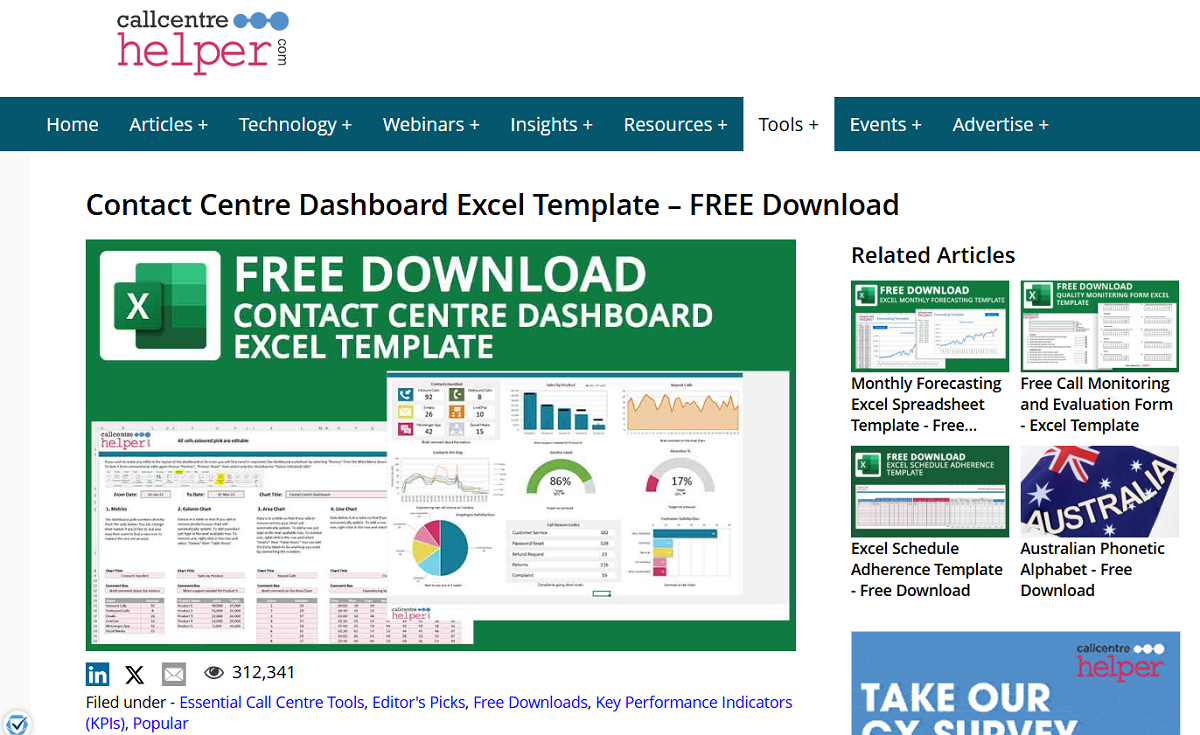
Call Centre Helper’s contact center dashboard template includes a free Excel dashboard along with a built- in KPI balanced scorecard. It allows you to view service level, abandonment, handle time and satisfaction all on one easy-to-read screen.
Notable features:
- See your main KPIs in a balanced scorecard view
- Editable charts that are pre-built and will pull from your data
- Option to set targets and benchmarks for each metric
- Download for free in Excel format
6. Call Center SOP Template
Standard operating procedures (SOPs) document how your team should do their work. HiveDesk’ s call center SOP template includes process steps, task guidelines, performance metrics and escalation paths. If you’re looking to maintain consistent service levels as you scale staff or add channels, well-documented SOPs are the answer.
Notable features:
- Sections for documenting your process steps and task-level instructions
- Escalation paths built in
- Performance metric definitions to eliminate confusion
- A structure that can be customized for each department
7. Call Center Operations SOP (ClickUp)
ClickUp’s call center operations SOP template is ideal for teams that want their SOPs where the work is actually being done. This workspace-native template combines documenting processes with task assignment and tracking.
Notable features:
- Document processes associated with assignable tasks
- Status tracking to visualize SOP rollout
- Template structure that can be reused by other teams
- Free within ClickUp
8. Inbound and Outbound Call Scripts
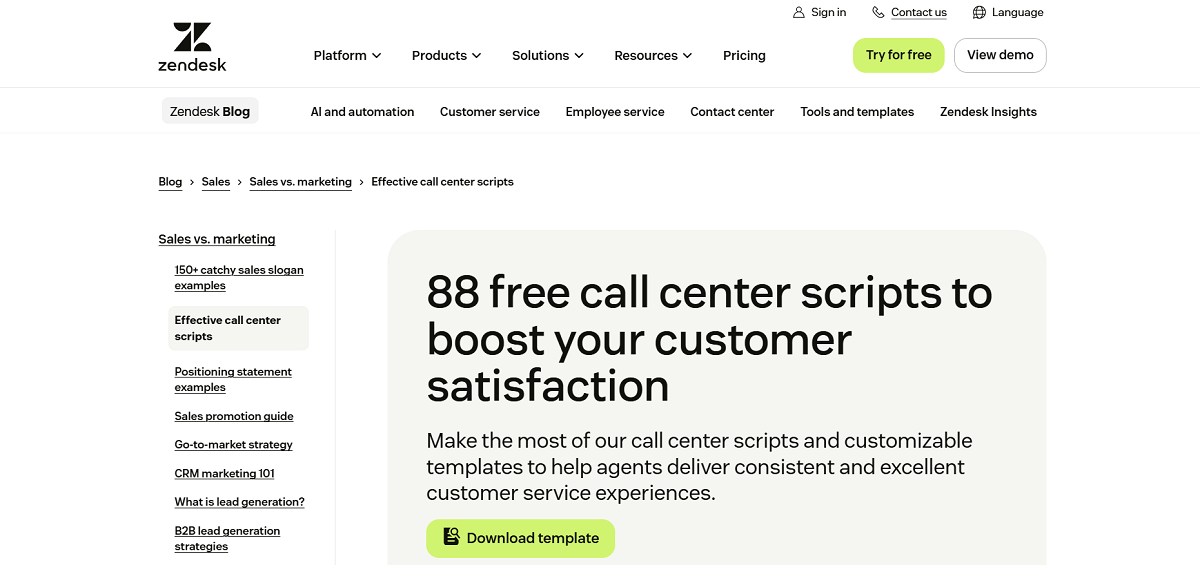
Zendesk’s library of 88 free call center scripts covers openings, holds, transfers, objections and closings for both inbound support calls and outbound sales conversations. Use call scripts to get new agents up to speed quickly and keep your team sounding consistent.
Notable features:
- 88 scripts to cover many common scenarios
- Includes inbound, outbound and chat scripts
- Editable placeholders customize scripts for your company and customer
- Scripted phrases to help you navigate tough situations
9. Customer Care and De-escalation Scripts
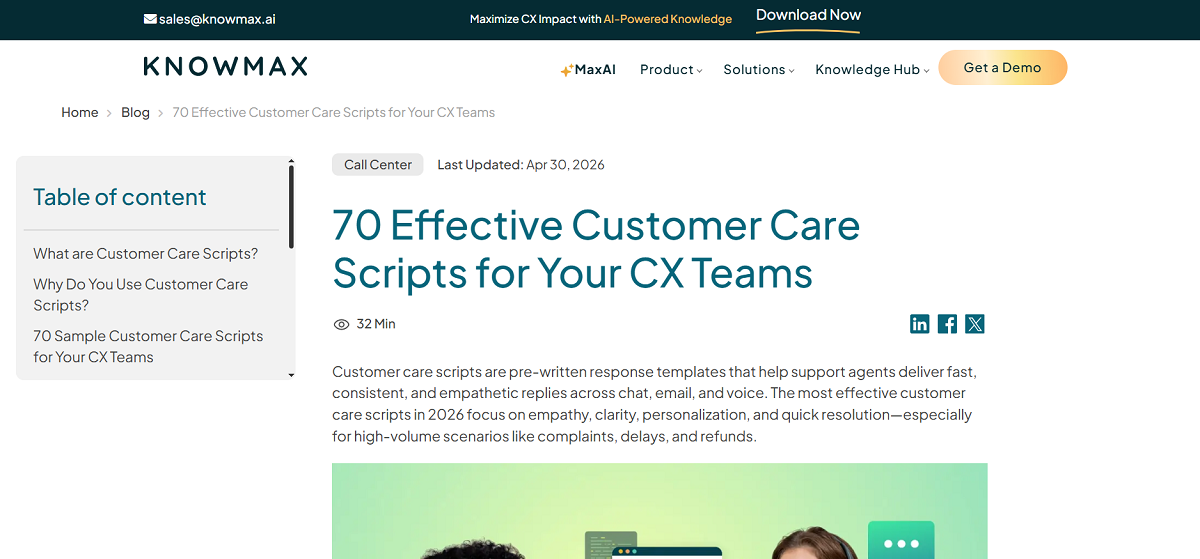
Knowmax’s customer care scripts are built around empathy and de-escalation language. Targeting the hard calls (complaints, refunds, angry customers), they supplement transactional scripts with language to reach for when your agents are feeling the pressure.
Notable features:
- Empathy-first and de-escalation phrasing
- Includes flows for complaints and refunds
- Pre-made response blocks ready for your customizations
- A good resource for coaching, as well as live usage
10. Customer Satisfaction Survey Form
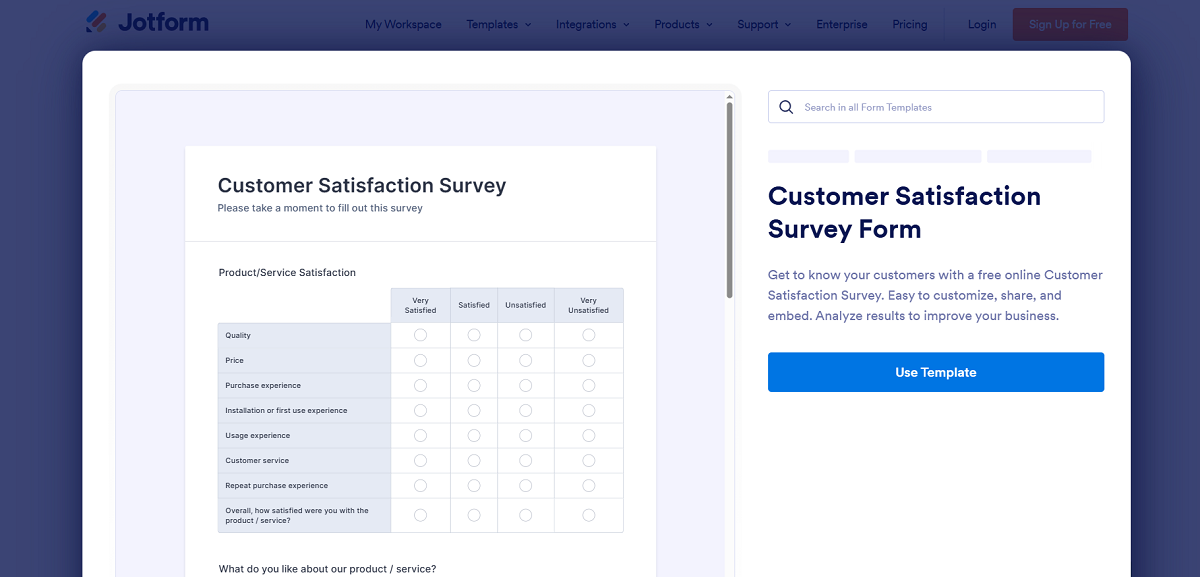
Jotform’s customer service survey template is a ready-to-send online form designed specifically to collect CSAT following an interaction. Get customer feedback ASAP and close the loop between a resolved call and how the customer really felt with Jotform’s customer service survey template. It’s the easiest way to conduct a CSAT survey.
Notable features:
- Easy to customize drag-and-drop form builder with no code required
- Get access to a shareable link and embed form
- View response statistics with built-in analytics
- Mobile optimized template
11. Customer Satisfaction Survey Question Bank
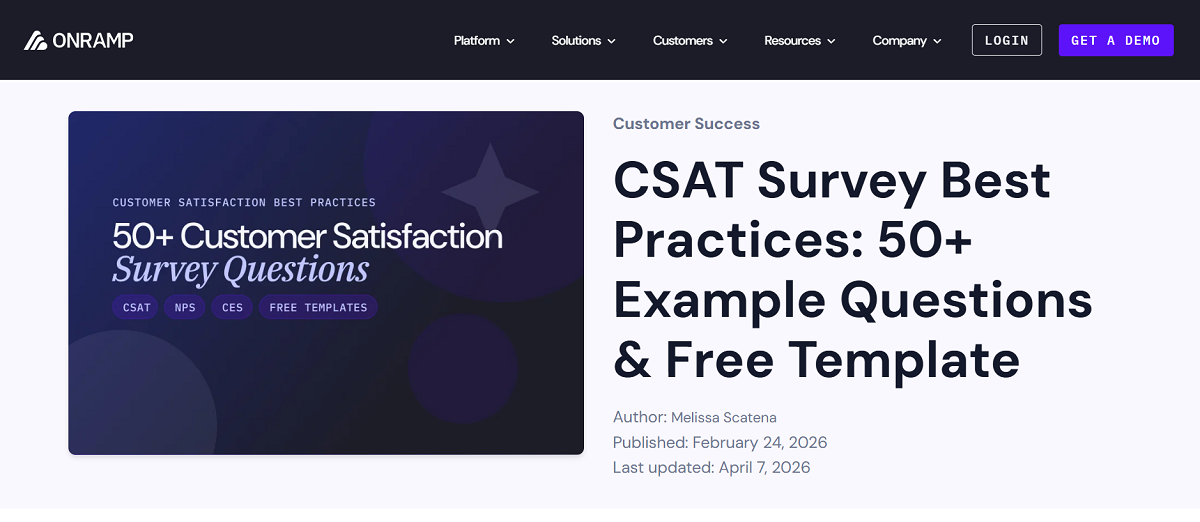
Onramp’s customer satisfaction survey guide includes a free template plus over 50 example questions clustered by scenario. Refer to this guide whenever you want to invest more consideration into your survey questions than the standard copy-and-paste questionnaire.
Notable features:
- 50+ example questions grouped by scenario
- Tips on survey length and timing
- Editable free template
- Questions for measuring CSAT, NPS and CES
12. Call Center Performance Tracker
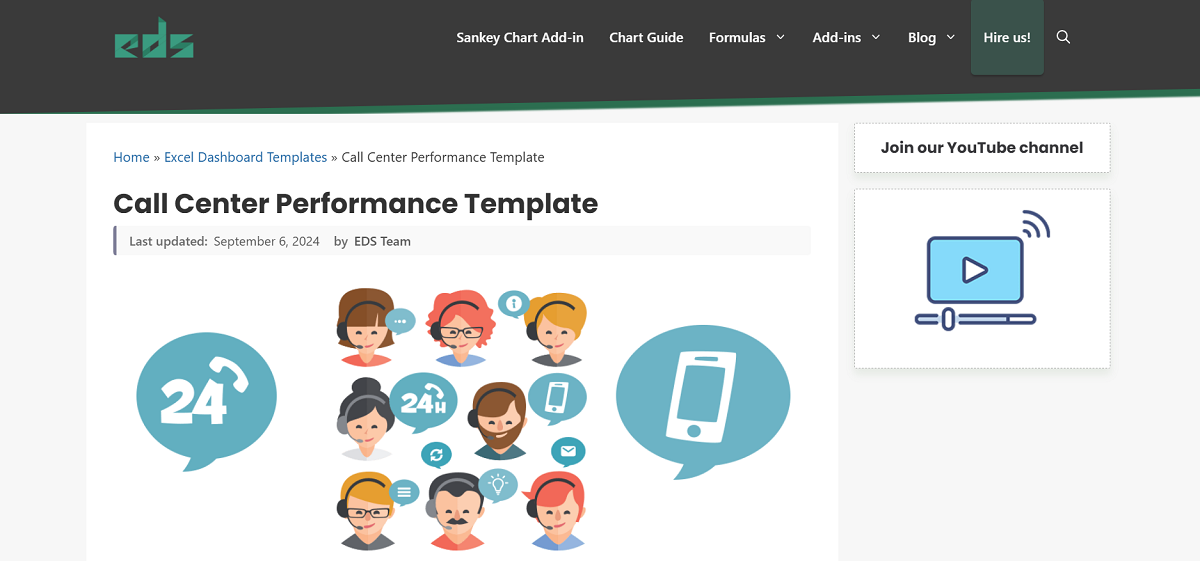
Excel Dashboard School’s call center performance template is an Excel tracker that downloads cleanly into Excel for easy-to-read performance snapshots of your daily call center numbers. It’s the middle of the road between a basic call log and a full-blown BI dashboard.
Notable features:
- Daily views as well as period-level performance
- Formula-driven calculations that automatically recalculate
- Charts for easy visual read-outs
- Free Excel download
13. Free QA Scorecard Collection
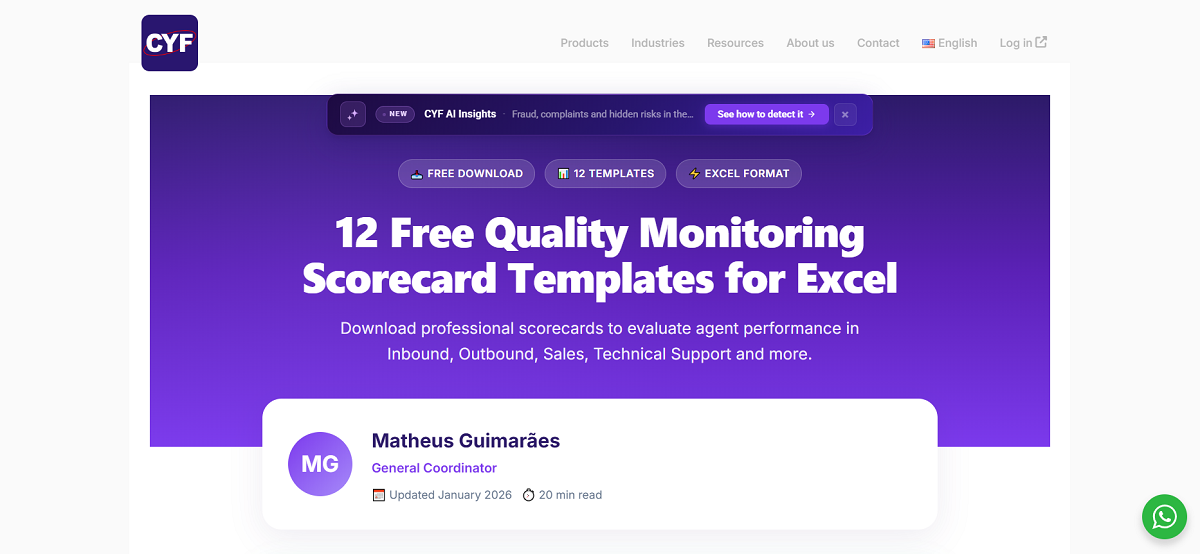
CYF’s has compiled 12 free QA scorecard templates into one page of Excel scorecards that range from compliance-weighted scoring philosophies to customer-experience-weighted. CYF’s one-page menu is ideal when you aren’t sure which scoring model is best for your center.
Notable features:
- Compare 12 different scorecard models
- Templates are Excel files ready to customize
- Includes templates for multiple industries and call types
- Helpful menu to navigate before you choose one
A Note on Templates and Security
Templates help ensure consistency, but they're not scanning for fraud. When templating your scoring and monitoring, treat red flags for fraud-risk as another scored item (not an afterthought). Most financial account takeovers begin in the call center, according to more than two-thirds of financial industry professionals responding to a TransUnion survey. View our AI monitoring overview for more.
Frequently asked questions
What goes on a call center QA scorecard?
Agent professionalism, accuracy, compliance and resolution are the foundations for any QA scorecard. Categories on your scorecard should be weighted according to your organization's needs. Scorecard items that are compliance-related should have established pass/ fail benchmarks. Total scores should consolidate scorecard results into an easily digestible number so you can track agent and organizational performance over time.
How frequently should I update call center templates?
Quarterly is a good rule of thumb, or whenever something major changes: a product launch, compliance requirements, a new channel, customer expectations, etc. Scorecards tend to get out of alignment very quickly if what's being scored isn't what your business needs from agents.
Can Excel call center templates scale with growth?
Yes, but only to a point. Excel works great for small groups needing basic call logs, QA scorecards and KPI dashboards. Once you begin to scale up, however, you’ll quickly experience growing pains: manual data entry is time-consuming, version control is a nightmare, and you lose real-time visibility. Eventually, growing teams (whether by reps or by channel) outgrow excel and realize a purpose-built QA app or BI platform is worth the investment.
How do call center scorecards differ from KPI dashboards?
Scorecards operate at the transaction level. They score an individual agent or call against the criteria you specify. Dashboards operate at the operational level. They aggregate service level, abandonment, and handle time across your entire center so leaders can see trends with a quick glance. You need both tools. The scorecard enables coaching, and the dashboard enables decision-making.
What are the best call center templates for a new contact center?
Start with a QA scorecard (so everyone is scoring calls the same way from day one), a call log (so you have clean data for creating reports), and call scripts (so new agents learn faster and everyone sounds alike). Then you can grow into a KPI dashboard and agent performance tracker as you scale your team.