Modulate ML Team Announces New Public Entity Transcription Benchmark
Speech to Text Python Tools: How to Build Speech to Text Pipelines in Python for Real-World Conversations
June 16, 2026


Voice still dominates customer contact: calls made up 53% of all contact center interactions in 2024 (Call Centre Helper). Turning that audio into usable data is where speech to text Python tools come in. A speech to text pipeline in Python ingests audio, calls a transcription API and parses structured results like timestamps, speakers and confidence scores. Python is a natural fit because its libraries handle each step, from streaming audio in to sending JSON downstream. The hard part is not the code, it is picking a transcription system that stays accurate on overlapping speakers, background noise and unscripted dialog. This guide covers how to build speech to text pipelines in Python that hold up on real-world conversations.
Converting audio into a transcript is easy enough. But getting usable transcripts from real-world conversations is much more challenging.
Automatic speech to text systems work great on clean, single-speaker audio. Except most production use cases aren’t like that. Real-world conversations have overlapping speakers, background noise, inconsistent audio quality, non-scripted dialog, and more. These are the things that break most transcription pipelines.
Python is an easy-to-use programming language supporting all the building blocks you need to ingest audio, call an API, and parse structured results. The hard part is choosing a transcription system that works reliably in real-world conditions and outputs something useful.
In this guide, we’ll cover:
- Python Is a Natural Fit for Speech to Text Pipelines
- What To Look for in a Speech to Text Python API
- Real-Time Audio Analysis vs. Transcript-Based Processing
- Your Transcription Stack Matters
- Frequently Asked Questions
Python Is a Natural Fit for Speech to Text Pipelines
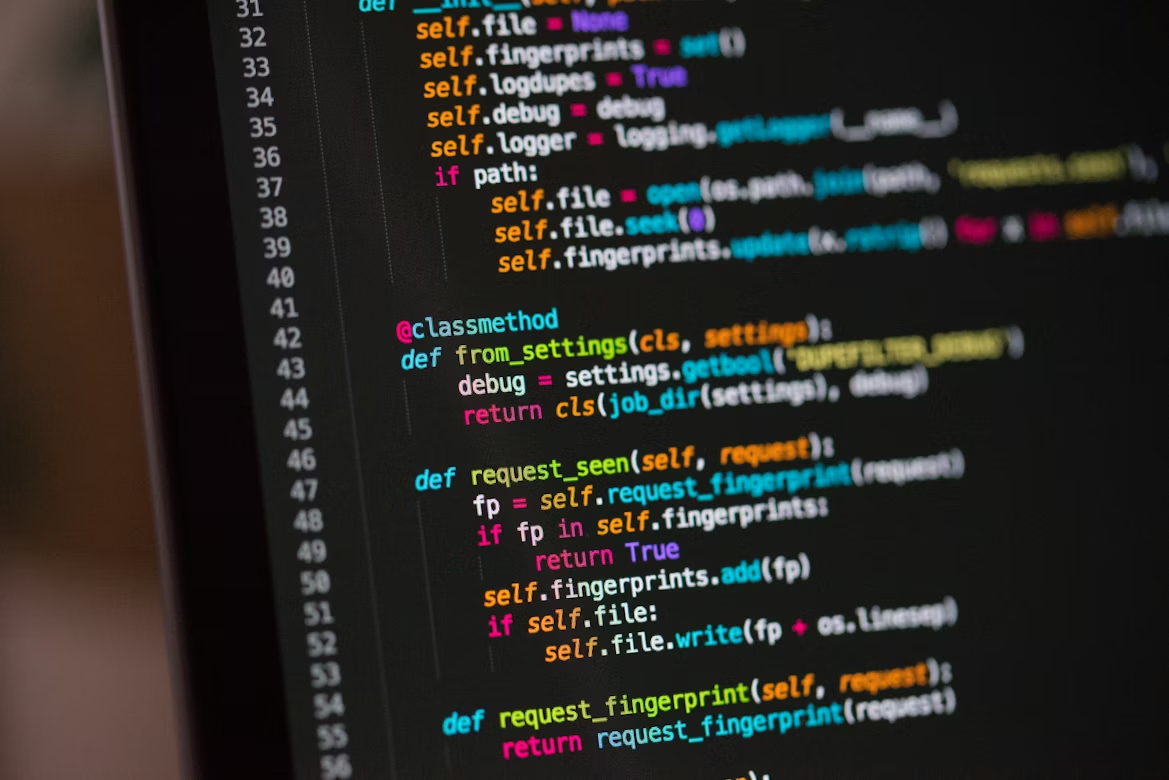
Python is great for building speech workflows. You can ingest audio from virtually any source, call an API, parse the structured response, and push those results onto downstream pipelines with minimal overhead. A typical speech to text workflow in Python might look something like this:
- Load audio from an uploaded file, recorded call, clip, or live stream.
- Call a speech to text API with that audio.
- Handle batch requests, or handle streaming audio for live transcriptions.
- Receive structured transcript of words, timestamps, speaker labels, and metadata.
- Parse that response, clean and enrich the transcript however you need.
- Push those transcripts to analytics systems, QA and testing, fraud detection, or AI agents.
Simple enough when you lay it out, but if your audio has gaps in words, mumbling, multiple speakers talking over each other, or any of a number of background noises that are present in real world conversations, your transcript won’t be very accurate. If your transcript isn’t accurate, everything else you build downstream is unreliable.
“Real conversations carry meaning far beyond the words themselves,” says Mike Pappas, CEO and co-founder of Modulate. “Tone, timing, hesitation, emotion, and interaction patterns all shape what’s actually being communicated. When companies apply text-first AI to voice — whether in customer support calls, fraud attempts, recruiting screens, or safety escalations — critical signals get lost in translation.”
Pappas further explains, “A transcript alone can’t tell the difference. And in high-stakes voice environments, those differences matter. A misread call isn’t just inaccurate; it can drive the wrong decision entirely.”
What To Look for in a Speech-to-Text API When Using Python

Don’t be fooled into thinking all transcription APIs are created equal or ready for production. Sure, a demo video sounds accurate with clean dictation, but what about actual human conversations? Workflows are only as strong as their weakest dependency. When you’ve got critical workflows depending on highly accurate, structured, and timely output, this is what matters:
Accuracy with Conversational Audio
Dictation is one thing, but real conversations are hard. You should be able to trust your API to transcribe overlap, interruptions, shifting audio quality, accents and audio with background noise. That’s why Velma Transcribe by Modulate is built for real human conversations, not just studio-quality audio.
Real-Time and Batch Support
Some services are optimized for batch-only workloads. Others are optimized for low-latency streaming.
The ideal transcription API offers both real-time transcription and batch processing capabilities without running separate services. Velma Transcribe does both, allowing you to simplify your pipeline and remove points of failure.
Structured Outputs
Nobody likes a wall of text. An effective speech to text API produces consistent results you can easily pass to downstream applications.
Velma Transcribe from Modulate outputs structured transcripts with speaker diarization, timestamps and more so you can take action on your transcripts as soon as they’re complete.
Performance Under Latency Constraints
Accuracy isn’t the only factor impacting real-time application development; latency is equally important. Vendors will advertise low-latency rates below 300ms, but actual latency performance will vary based on audio conditions and system demands. Increased latency can impact:
- Voice agents requiring interactivity
- Live detection/monitoring solutions
- Apps with customer-facing interfaces
Identify vendors that test latency across real-life noisy scenarios. Velma Transcribe by Modulate is trained on 500 million+ hours of noisy, emotional voice conversations and offers sub-second real-time streaming transcription.
Scalability and Cost at Volume
Processing high volumes of audio? Ensure your API can scale to production-ready demands.
Price matters too. Speech-to-text can be costly, so ensure your pricing scales with your usage. Velma Transcribe by Modulate costs 10x less than our competitors and provides industry-leading accuracy in real-world voice conditions. See how it compares.
Beyond Transcription: Preparing for Downstream Use
Processing audio to text is just step one. Transcripts typically become input into:
- Analytics/reporting workflows
- QA/compliance
- Fraud detection
- AI agents/automation
Most transcription APIs simply give you the raw text. It’s your job to build the sauce on top (context, intent, behavioral understanding) in post processing.
But some platforms are taking speech understanding beyond the transcript. Rather than processing conversations after-the-fact, they process the audio itself as it’s happening.
Doing so enables a deeper understanding of conversations as they happen, enabling use cases like:
- Call center fraud detection: Identifying signals of social engineering, urgency, or impersonation before fraud occurs.
- Agent coaching: Providing agents with real-time feedback when a call escalates or deviates from best practices.
- Customer experience: Identifying signs of frustration, confusion, or churn risk as it’s happening so you can act to improve.
- Compliance/risk mitigation: Detecting prohibited language or failures to disclose in industries like finance and healthcare.
- Voice agents/automation: Talking to systems naturally without waiting on transcript driven, time intensive post-processing.
- Safety & abuse protection: Protecting agents by detecting harassment, threats, or other forms of abuse as they’re occurring in real time.
Real-Time Audio Analysis vs. Transcript-Based Processing

Velma Transcribe is part of Modulate’s Ensemble Listening Model (ELM), with multiple models running in parallel. Rather than deploying one transcription model and processing all audio through it, Modulate’s Velma chooses which models to leverage and in what proportion based on the conditions of the audio it’s processing in real time.
By handling audio this way, Velma can:
- Handle real-world conversations (noise, overlap, accents)
- Choose more cost-effective models on a per audio-segment basis
- Scale to large volumes of streaming audio while maintaining performance
Velma’s ability to process raw audio allows it to understand both what is being said and how it’s being said. Velma can detect:
- Tone and other emotion-based signals
- Speech patterns (speed, pauses, etc.)
- Multiple speakers and conversation dynamics
- Risk, urgency, and other signals of manipulation
It does all this as it happens in real time. Rather than waiting for a transcript, your downstream applications can act while a customer is still on the call. Automate fraud triaging, coach your agents as they work, and route calls to automated workflows.
We make the full case for voice-native analysis separately and we compared twelve of them in our roundup of the best speech to text APIs.
Your Transcription Stack Matters
It’s easy to build a speech to text pipeline in Python. The real hurdle comes when you try to build a production-level system.
That’s because the real world doesn’t produce clean, well-mannered audio. Traditional pipelines break as soon as they encounter two people talking over each other, shifts in audio quality, or unpredictable dialogue.
That’s the difference between a basic speech to text API and a transcription pipeline you can use in production. If your app or business depends on reliable, fast, and structured transcription output that contains real-world context, your transcription stack better be ready for real world conversations.
Modulate’s Velma platform approaches voice differently. Velma Transcribe is part of our Ensemble Listening Model (ELM) architecture that runs multiple models in parallel and dynamically routes audio to the best combination based on the characteristics of the audio it’s processing.
That means you can:
- Process accurate transcriptions of messy, overlapping conversations
- Manage your costs by dynamically routing audio the most efficient and effective models
- Transcribe speech at scale without sacrificing performance
If you’re building a speech to text pipeline that needs to work beyond ideal conditions, it’s worth testing a system designed for real conversations. See it in action for yourself: Test drive Velma now for free.
Frequently Asked Questions
Besides transcripts, what can you build with speech to text in Python?
Transcripts are useful, but you can do a lot more with speech to text. With Python, it’s straightforward to create searchable records, QA systems, call summaries, fraud monitoring alerts, customer support metrics, and anything else you want to do with a conversation after the fact.
Why do some speech to text solutions have trouble transcribing phone calls and real-life conversations?
Conversation is complicated. People make mistakes. They interrupt each other, talk quickly, change inflection, mumble through background noise, and use flawed audio setups. In short, it’s not clean dictation or broadcast quality audio.
Can Python be used for speech in production, or is it just good for prototyping?
It’s excellent for both. It’s popular because you can prototype quickly in Python. But you can also use it to create production-ready pipelines that need to ingest audio, make API calls, process results, and tie voice data into larger systems.